Your AI assistant can write a decent reply to a customer. It cannot check that customer’s order, book them into your calendar or update your CRM, unless somebody connects it to those systems. For years that connection meant a custom build every single time. A standard called MCP is changing that, and it is worth understanding before you pay anyone to “add AI” to your business.
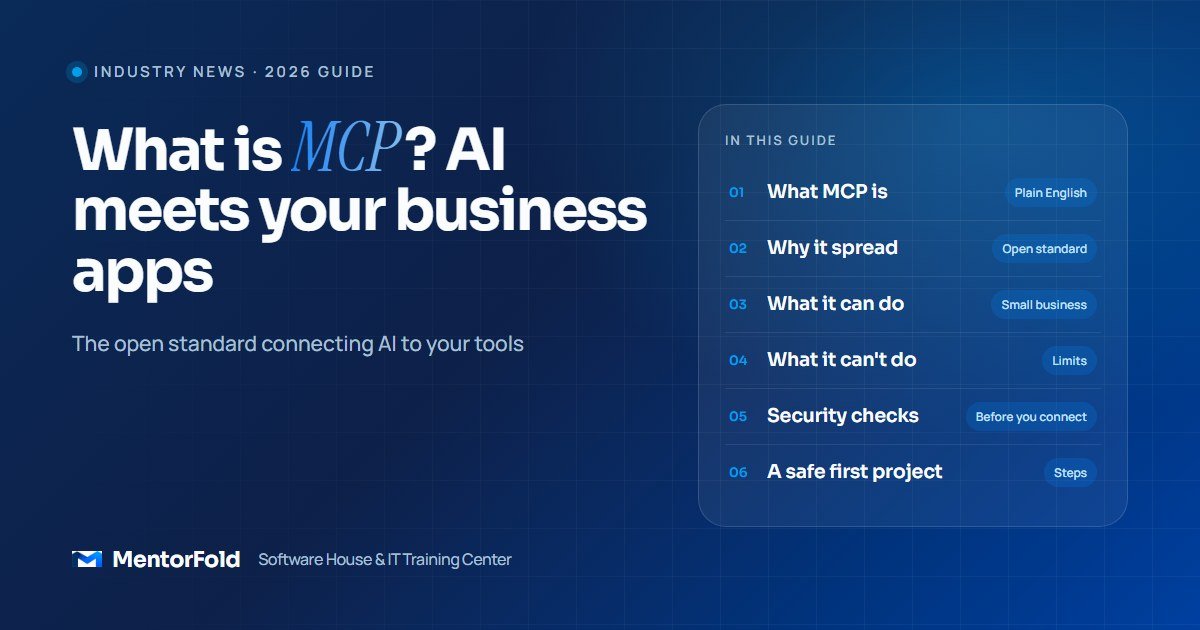
This guide explains what the Model Context Protocol (MCP) is in plain language, why it became an industry standard in about a year, what it can and cannot do for a small business, and the safety checks to run before you connect an AI tool to real company data.
What is MCP, in plain language?
The official MCP documentation describes it as an open-source standard for connecting AI applications to external systems: data sources such as files and databases, tools such as search engines and calculators, and workflows such as specialised prompts. Its own analogy is a USB-C port for AI. One standard plug, instead of a different cable for every device.
Without a standard, every pairing is its own project. Connecting a chat assistant to your calendar is one build. Connecting it to your CRM is another. Switch to a different AI tool and you may have to rebuild both. With MCP, a system exposes its capabilities once through an MCP server, and any AI application that speaks MCP (the client) can discover and use them.
A practical way to picture it: the AI model is the person at the desk, the MCP server is a labelled drawer of tools, and MCP is the rule that every drawer is labelled the same way.
Why this is industry news, not just developer news
Anthropic introduced MCP in late 2024. By its December 2025 announcement, the company reported more than 10,000 active public MCP servers, adoption by products including ChatGPT, Cursor, Gemini, Microsoft Copilot and Visual Studio Code, and official SDKs with over 97 million monthly downloads across Python and TypeScript. The same announcement said MCP was being donated to the Agentic AI Foundation, a directed fund under the Linux Foundation, co-founded by Anthropic, Block and OpenAI and supported by Google, Microsoft, AWS, Cloudflare and Bloomberg.
Those are the company’s own figures, so read them as a sign of direction rather than an audit. The direction is still clear: competitors who rarely agree on anything have put an open standard under neutral governance. For a business owner, that lowers one real risk, which is building on a connection method that disappears when a vendor changes strategy.
What MCP can do for a small business
MCP does not make an AI smarter. It gives the AI reach. Here is what that looks like in ordinary work:
- Answering from real data. An assistant connected to your price list, FAQ document and order system can answer “where is my order?” using facts instead of guesses.
- Doing small admin jobs. Checking free slots, drafting a calendar invite, adding a note to a contact record, creating a task.
- Preparing work for a human. Summarising a long email thread, pulling the last five interactions with a lead before a sales call, listing overdue invoices.
- Working across tools. One assistant that can read from a spreadsheet and write to a project board, without you wiring each pair together by hand.
The documentation’s own examples include agents that access a user’s Google Calendar and Notion, and enterprise chatbots that query several databases so staff can analyse data through chat. Small teams get the same pattern at a smaller scale.
What MCP does not replace
MCP is a connection standard. It is not a replacement for good process design, and it does not remove the need for ordinary automation.
- Fixed, repeatable jobs still belong in workflows. “When a form is submitted, create the contact, send the confirmation, start the follow-up sequence” should run the same way every time. A workflow tool does that predictably and cheaply. Our guide to automating lead follow-up is an example of work that should not depend on an AI deciding what to do.
- Judgement calls still need a person. Refunds, contract changes and sensitive customer conversations should end with a human approval, not an AI action.
- Messy data stays messy. If your CRM has duplicate contacts and your price list lives in three versions, a connected AI will confidently repeat the mess.
A useful rule: use a workflow when the steps are known, and use an AI agent with tools when the input is unpredictable (free-text emails, varied questions) and the cost of a wrong answer is small or reviewed.
The security side owners should not skip
Giving an AI tool access to company systems is a real permission decision. The MCP project publishes its own security best practices, which cover attacks such as confused-deputy problems, token passthrough, server-side request forgery and compromised local servers, and include a section on limiting the permissions you grant (scope minimisation). You do not need to understand every attack, but you should apply the lessons behind them:
- Start read-only. Let the assistant look things up before you let it change anything.
- Grant the smallest permission that works. A tool that only needs to read calendar availability should not hold rights to delete events or read every email.
- Use servers you can trust. Prefer connectors published by the software vendor itself or built by a developer you have vetted. A random public server that asks for your login is a risk, however convenient.
- Keep a human in the loop for actions that cost money or cannot be undone. Sending invoices, deleting records and issuing refunds should need a click from a person.
- Separate test from live. Try new connections on a copy of your data or a test account first.
- Review and revoke. Keep a list of which tools have access to what, and remove access when someone leaves or a tool is retired.
A sensible first project: one connection, one job
If you want to try this without a big budget, copy the way good automation projects start: pick one narrow job and measure it.
- Choose a job that eats time but carries low risk. Example: preparing a briefing before each sales call from your CRM notes.
- Write down the inputs and the output. Which fields does the assistant need? What should the final result look like?
- Check that your tool offers a connector. Look in your software’s integrations or help pages for MCP support, or ask your developer to confirm.
- Connect read-only and test on ten real cases. Compare the assistant’s output with what a person would produce.
- Add one write action only after the reads are reliable, and keep it behind human approval.
- Track time saved and mistakes caught for a month before expanding.
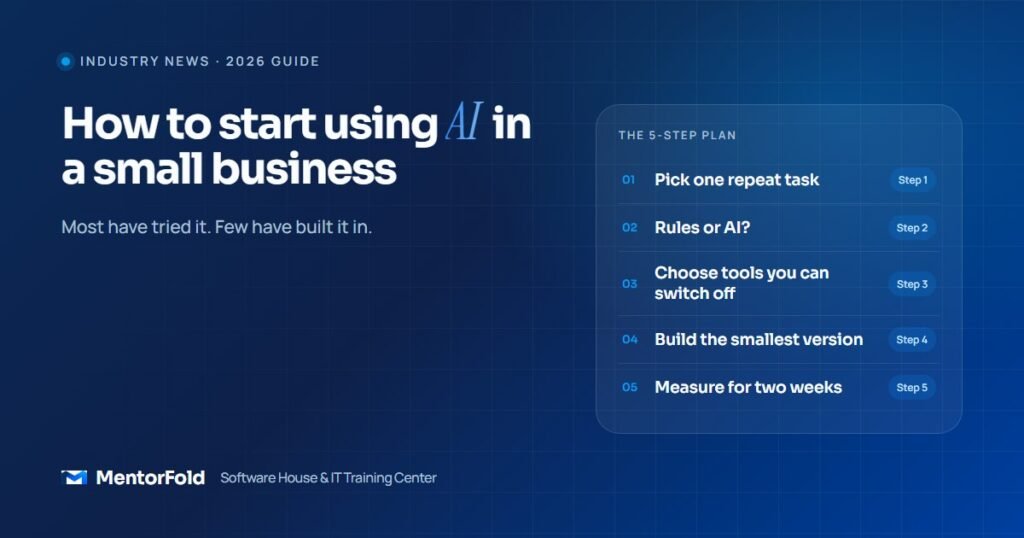
If you are still deciding where AI belongs in your business at all, start with our 5-step plan for using AI in a small business, then come back to connections.
What this means if you are learning tech skills
For learners, MCP points to a skill gap that is opening up. Plenty of people can write a prompt. Fewer can connect AI to real business tools safely, design the workflow around it and explain the limits to a client. The skills that matter are API basics, workflow design, data handling and clear documentation.
You can start building them now: learn how a workflow tool passes data between apps, practise on your own calendar, forms and spreadsheets, and document one working example you can show a client. MentorFold’s AI Automation and AI Agents course is built around this kind of practical work, and GoHighLevel Mastery covers the CRM and automation side agencies use every day.
Common mistakes to avoid
- Connecting everything at once. More access means more that can go wrong. Add one system at a time.
- Treating the AI as a trusted employee on day one. Start with supervised tasks.
- Ignoring costs and limits. AI tool usage and connected-app plans can add charges. Check pricing before you scale a workflow.
- Skipping documentation. If only one person knows what is connected, you have a single point of failure.
- Buying “AI agent” packages with no defined outcome. Ask what job it does, what it can touch and how you will measure it.
Frequently asked questions
What does MCP stand for?
MCP stands for Model Context Protocol. It is an open standard that lets AI applications connect to external data, tools and workflows in a consistent way.
Do I need to be a developer to use MCP?
Not always. Many AI tools and software products are adding ready-made connectors you switch on in settings. Building a custom MCP server for your own systems does need a developer, and so does reviewing security.
Is MCP the same as an API?
No. An API is how one piece of software talks to another, and each API has its own rules. MCP is a shared layer on top that tells AI applications how to discover and use tools, so one AI client can work with many systems without custom code for each.
Is it safe to connect an AI tool to my business data?
It can be, if you control the permissions. Start with read-only access, use trusted connectors, keep humans approving risky actions and test on non-live data first.
Want help connecting AI to your business tools?
MentorFold designs automations and AI workflows for businesses worldwide, from lead follow-up to CRM set-ups, with sensible limits on what the AI can touch. See our services or tell us about the job you want to automate. If you would rather build these skills yourself, browse our online trainings.