Every new freelancer hits the same wall: clients want to see past work, and you can’t get past work without clients. The way through is simpler than it looks. You don’t need permission from a client to prove you can do the job. You need three to five small, well-documented projects that look like the work buyers are already paying for.
This guide shows you how to build a freelance portfolio with no experience, step by step. It is written for people starting out in web design, WordPress, CRM setup, AI automation and similar tech skills, but the method works for almost any service you can show on a screen.
Why a portfolio matters more than a CV for freelancers
Freelancing is no longer a side door into tech work. According to Upwork’s 2026 Future Workforce Index, 38% of US skilled knowledge workers now operate as freelancers or independent professionals, based on a survey of 2,400 US workers in March and April 2026. That means more opportunity, and also more people pitching for the same jobs.
When a client compares ten proposals, they rarely read CVs. They click links. A portfolio answers the only question that matters to them: “Has this person already solved a problem like mine?” If your links answer yes, your lack of paid history matters far less than you think.
What clients actually look for in a beginner portfolio
Most beginner portfolios fail for the same reason: they show skills, not outcomes. A client hiring someone to build a booking website does not care that you know Flexbox. They care that you can make a site where customers find the price and book in two clicks.
Before you build anything, keep these four things in mind. A strong portfolio piece shows:
- A recognisable problem: “A local gym had no way to take trial-class bookings online.”
- Your decisions: why you chose this layout, this tool, this flow.
- The finished result: a live link, a short video or clear screenshots.
- Relevance: it looks like the jobs you will apply for next month.
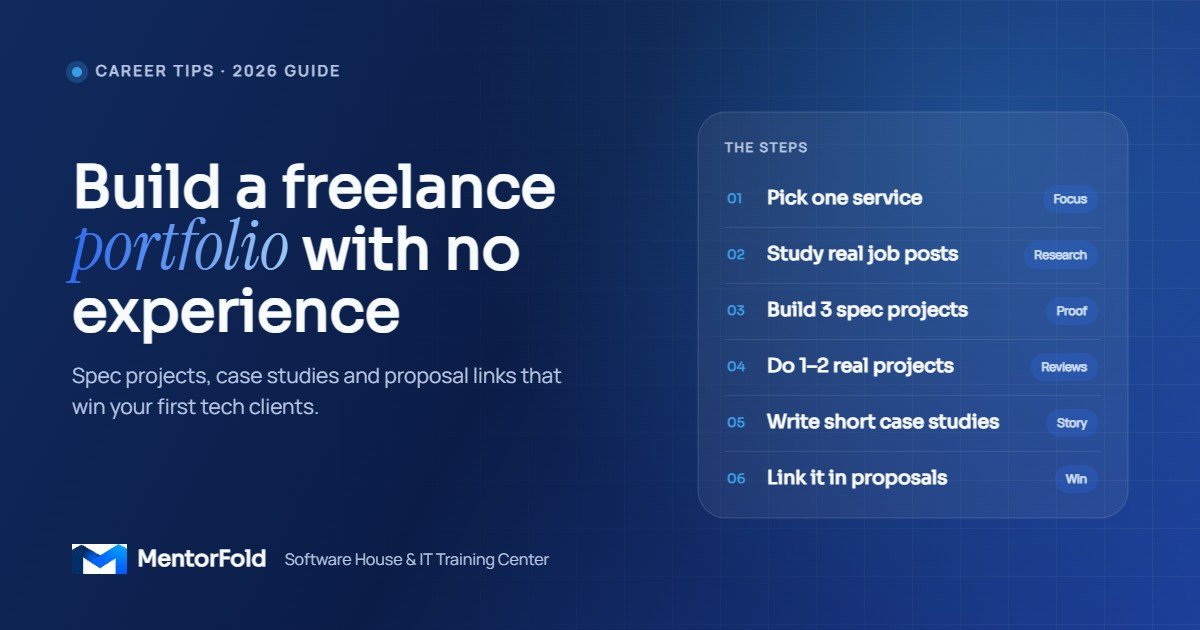
How to build a freelance portfolio with no experience: 7 steps
Step 1: Pick one service and one type of client
“I do web design, SEO, video editing and automation” reads as “I’m still figuring it out.” Choose one service you can deliver well today and one type of buyer. Examples:
- WordPress websites for dental clinics and physiotherapists
- GoHighLevel pipelines and follow-up automations for marketing agencies
- Landing pages in HTML and CSS for online coaches
- n8n or Make.com automations that move leads from forms into a CRM
You can widen later. A narrow focus makes every portfolio piece reinforce the others, and it makes your proposals much easier to write.
Step 2: Study real job posts before you build
Open Upwork, Contra, LinkedIn or any job board relevant to your skill. Search your service and save 15 to 20 recent posts. Then write down the patterns:
- Which tools come up again and again (Elementor, Webflow, GoHighLevel, Zapier, HubSpot)?
- What problems do clients describe in their own words (“slow site”, “leads go cold”, “need a booking page”)?
- What do they ask to see (“send examples of similar work”, “share a Loom”)?
This list becomes your project brief. You are about to build exactly what these clients are asking for, before they ask you.
Step 3: Create three “spec projects” based on real problems
A spec project is work you create on your own, for a realistic brief, without being paid. It is the fastest honest way to fill a portfolio. The key word is honest: label it as a concept or practice project, never as client work.
Good spec project ideas for tech freelancers:
- Redesign a real but outdated website. Pick a small business whose site is slow or confusing. Rebuild the homepage and one service page. Show a before-and-after with the reasons for each change. Don’t use their logo or copy as if you were hired; describe it as a redesign concept.
- Build a template for a whole industry. For example, a complete WordPress site for a fictional bakery with a menu page, order form and Google Map. Fictional brands give you full freedom and avoid any confusion.
- Automate a common workflow. Build an automation that takes a web form submission, adds it to a CRM, sends an instant reply email and notifies a team member. Record a two-minute screen video of it working end to end.
Three solid projects beat ten half-finished ones. Aim for depth: real content, working forms, mobile layouts and no placeholder “Lorem ipsum” text.
Step 4: Do one or two real projects at a low or zero cost
Spec work proves skill. Real work proves you can handle a client. Once you have two or three spec pieces, find one or two small real projects:
- A friend’s side business, a local shop or a family member’s practice
- A non-profit, community group or student society
- Another freelancer who needs help with overflow work
Set clear terms in writing even if it’s free: what you will deliver, by when, and that you may show the result in your portfolio. Ask for a short written review at the end. That one sentence of feedback from a real person is worth more than any design award.
Step 5: Write a short case study for each project
This is where most beginners stop too early. A screenshot alone tells a client what it looks like. A case study tells them how you think. Use this simple structure, around 150 to 300 words each:
- The brief: who it was for and what problem it solved.
- Your approach: the tools you used and two or three key decisions.
- The result: live link, video walk-through or screenshots on desktop and mobile.
- What you’d improve: one honest line. It shows maturity.
Only include numbers you actually measured. A Google PageSpeed score before and after, or “form-to-CRM time cut from manual entry to under a minute in testing”, is fine. Invented conversion rates are not, and experienced clients can spot them.
Step 6: Put it somewhere you control
Platform profiles are useful, but your main portfolio should live on a page you own. Options, from simplest to most flexible:
- Platform portfolios: the portfolio sections on Upwork, Contra or LinkedIn Featured. Fill these in regardless, because clients see them first.
- Behance or Dribbble: good for visual and UI work.
- GitHub with GitHub Pages: free hosting for static HTML and CSS sites, ideal for developers. See the GitHub Pages documentation.
- Your own WordPress site: the best option if you sell WordPress work, because the portfolio itself becomes proof of skill.
Keep the structure simple: a one-line headline that names your service and client type, three to five project cards, a short “about” paragraph, and one clear way to contact you.
Step 7: Use the portfolio inside every proposal
A portfolio sitting on a website does nothing. Its job is to be linked at the right moment. In each proposal:
- Pick the one or two projects closest to that client’s job, not all of them.
- Say why it’s relevant in one sentence: “Here’s a booking site I built for a fictional physio clinic, with the same two-step booking flow you described.”
- For automation or CRM work, link a short Loom or screen recording. Clients understand a 90-second video faster than a diagram.
Track which pieces get replies. After 20 proposals you will know which projects are pulling their weight and which to replace.
Portfolio ideas by skill
Web design and WordPress
A complete small-business site (home, services, about, contact), a high-converting landing page, and a speed makeover of an existing site with before-and-after PageSpeed results.
GoHighLevel and CRM setup
A demo sub-account with a pipeline, a lead capture form, a booking calendar and a follow-up workflow. Record a walk-through and blur any test contact details.
AI automation
An n8n or Make.com flow that reads incoming enquiries, sorts them by type and drafts a reply for a human to approve. Show the flow diagram, a test run and the safeguards you added.
Lead generation and outreach
A documented outreach system for a sample niche: how you built the list, the email sequence, deliverability settings and the tracking sheet. Don’t show real people’s personal data.
Mistakes to avoid
- Passing off spec work as client work. It can end a client relationship the moment it’s discovered. Label concept projects clearly.
- Too many weak pieces. Three strong, relevant projects beat twelve tutorials you followed step by step.
- Tutorial clones. If your project looks exactly like a popular YouTube build, change the brief, the brand and the features until it’s yours.
- Broken links and demo sites that expire. Check every link once a month.
- No contact button. Every page should make it obvious how to hire you.
- Waiting for perfect. Publish when it’s good and clear, then improve it as real projects replace spec ones.
Your portfolio checklist
- One service and one client type chosen
- 15 to 20 real job posts saved and analysed
- Three spec projects built to a realistic brief
- One or two real projects, with written permission and a review
- A short case study for every piece
- Portfolio hosted on a page you control, plus platform profiles filled in
- One or two relevant links in every proposal
Frequently asked questions
How many projects should a beginner freelance portfolio have?
Three to five is enough. Clients skim, so a few strong, relevant pieces with short case studies work better than a long gallery of mixed work.
Can I include projects I did while learning?
Yes, if you’ve made them your own and they match the work you want to be hired for. Rename and rebrand course exercises, add real content and explain your decisions. Label them as practice or concept projects.
Is it okay to work for free to build a portfolio?
One or two small free or low-cost projects can be worth it for a testimonial and real-world experience. Agree the scope in writing, set an end date, and switch to paid work as soon as you have proof.
Do I need my own website for a freelance portfolio?
Not on day one. Platform portfolios and a GitHub, Behance or Notion page are fine to start. A personal site becomes more valuable over time, especially if you sell web design or WordPress services.
Build your portfolio with guidance
If you want structured practice projects and feedback, MentorFold’s online courses are built around portfolio-ready work. Start with WordPress Development or HTML and CSS Development for web skills, or AI Automation and AI Agents for automation work. When your portfolio is ready, Upwork Freelancing and Client Acquisition shows you how to turn it into proposals that win replies.
Not sure which skill to pick first? Read our guide to in-demand IT skills you can learn online, or contact us and we’ll help you choose a path.